
Fields, lists, filters and actions are generated from the same definition.
ENTROBOT OPERASYON · INTEGRATED OPERATIONS SOFTWARE
Every transaction
starts the next.
When a shipment leaves in Entrobot Operasyon, stock decreases; when an invoice is finalized, the journal and account movement are created together. Sales, warehouse, production and finance work on the same record, so data is not entered twice.
One database Role-based permissions Traceable transactions
SALES · FINANCEFrom order to financial record

CONNECTED OPERATIONAL FLOW
One record closes.
The next process begins.
Each link in the chain feeds the next. Status, quantities, inventory and financial records move forward using the same data.
- 01Opportunity
Prospects, meetings and expected revenue are recorded in CRM.
- 02Order
The order is approved, assigned its number and its lines are locked under control.
- 03Work order
Production begins using the formula, materials and planned quantity.
- 04Quality
Samples and measurements are evaluated against specifications; nonconformities remain traceable.
- 05Shipment
The shipped quantity updates the order, inventory and order status together.
- 06Invoice
Invoicing proceeds from shipped quantity and connects to the customer account.
- 07Journal
A balanced accounting entry is generated within the same finalized transaction.
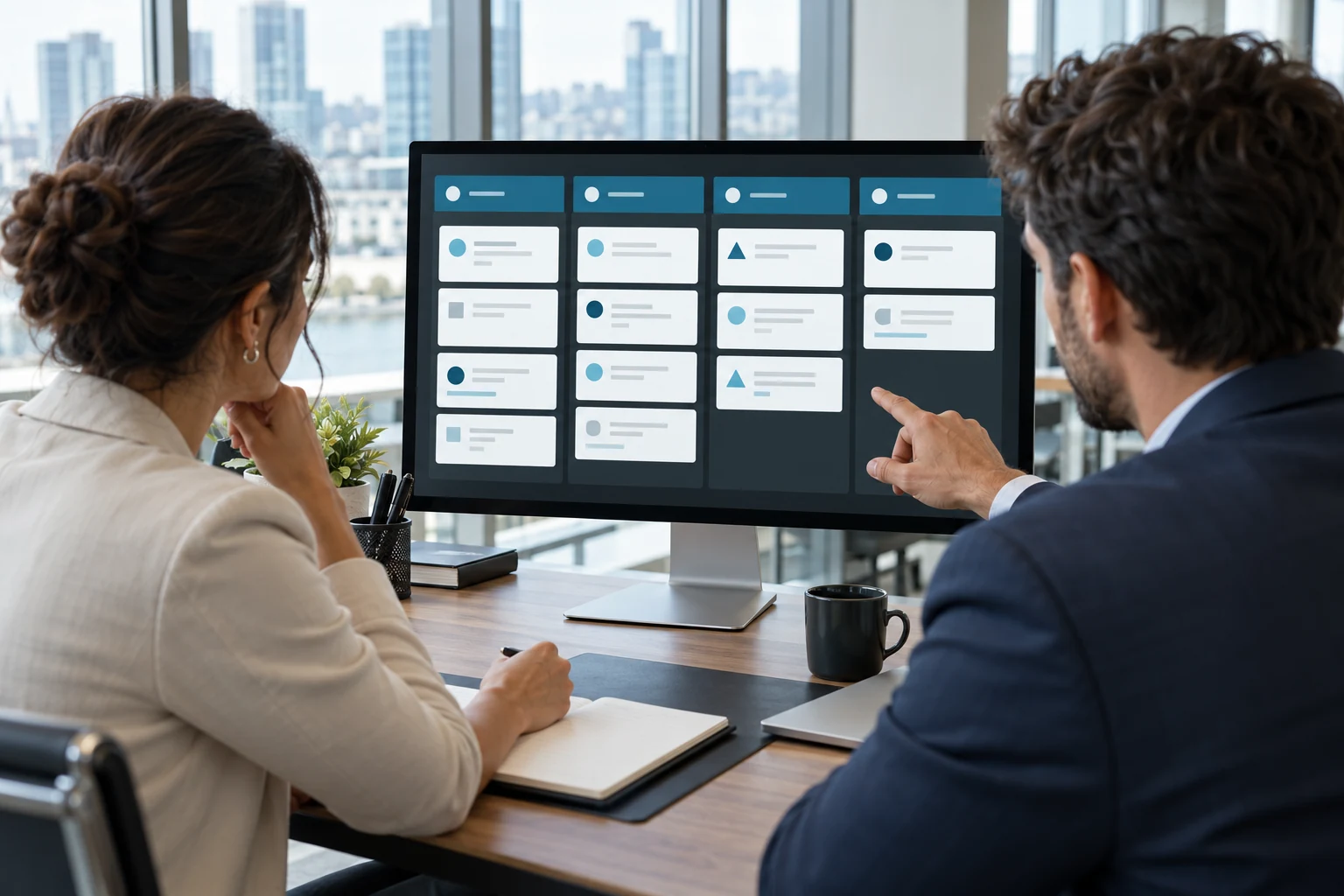
CRM · OPPORTUNITIESCustomer relationships in one flow
READY CORE · YOUR RULES
The system adapts
without losing control.
Which role may perform which action and at what status is explicitly defined.
Transactions and VAT rates are mapped to your existing accounting accounts.
A closed module can be activated when needed without rebuilding the system.
PRODUCT SCOPE
Ten modules,
one permission model.
Each module solves its own business problem; shared records remove the need for separate data transfer between modules.
01
CRM
Keep customer meetings and opportunities out of individual memory.
- Sample flow
- Lead → activity → opportunity → stage board → won
- Connected modules
- Finance
02
Sales and Distribution
Track ordered, shipped and invoiced quantities on the same record.
- Sample flow
- Order → approval → shipment → dispatch → invoice
- Connected modules
- Inventory · Finance
03
Procurement
Compare ordered, received and invoiced quantities.
- Sample flow
- Order → approval → goods receipt → purchase invoice → finalize
- Connected modules
- Inventory · Finance
04
Inventory
See quantity and value by item, warehouse, bin and batch.
- Sample flow
- Item → warehouse and bin → batch → inventory movement → balance
- Connected modules
- Manufacturing · Sales · Procurement · Quality · Finance
05
Manufacturing
Manage work-order status, recipes and material availability in one place.
- Sample flow
- Formula → recipe → work order → complete → finished-goods receipt
- Connected modules
- Inventory · Finance · Quality
06
Quality
Ensure quality records genuinely affect inventory, production and shipment decisions.
- Sample flow
- Test → specification → sample → evaluate → nonconformity
- Connected modules
- Inventory · Manufacturing · Procurement · Customer Service
07
Projects
Track budget, actual cost, tasks and staff allocation together.
- Sample flow
- Project → budget → tasks → cost → variance
- Connected modules
- Finance · Human Resources
08
Finance
Connect accounts, invoices, collections and journal entries to operations.
- Sample flow
- Account → invoice → finalize → journal → collection
- Connected modules
- Inventory · Sales · Procurement · Manufacturing
09
Human Resources
Manage personnel, leave and time records with calculated balances.
- Sample flow
- Employee → leave request → approval → leave balance
- Connected modules
- Projects
10
Customer Service
Track requests and complaints against response and resolution targets.
- Sample flow
- Request → review → solution or nonconformity → close
- Connected modules
- Finance · Inventory · Quality
PERMISSIONS · RECORDS · DATA
Who sees what.
Every action stays on record.
Role-based permissions
Screens and actions are available according to the user’s role.
Transaction history
The approving user, time and status transitions are recorded.
Controlled finalization
Final records are protected and corrections leave a trace.
Your data is yours
Data access is restricted by permissions, and records can be exported in standard formats.
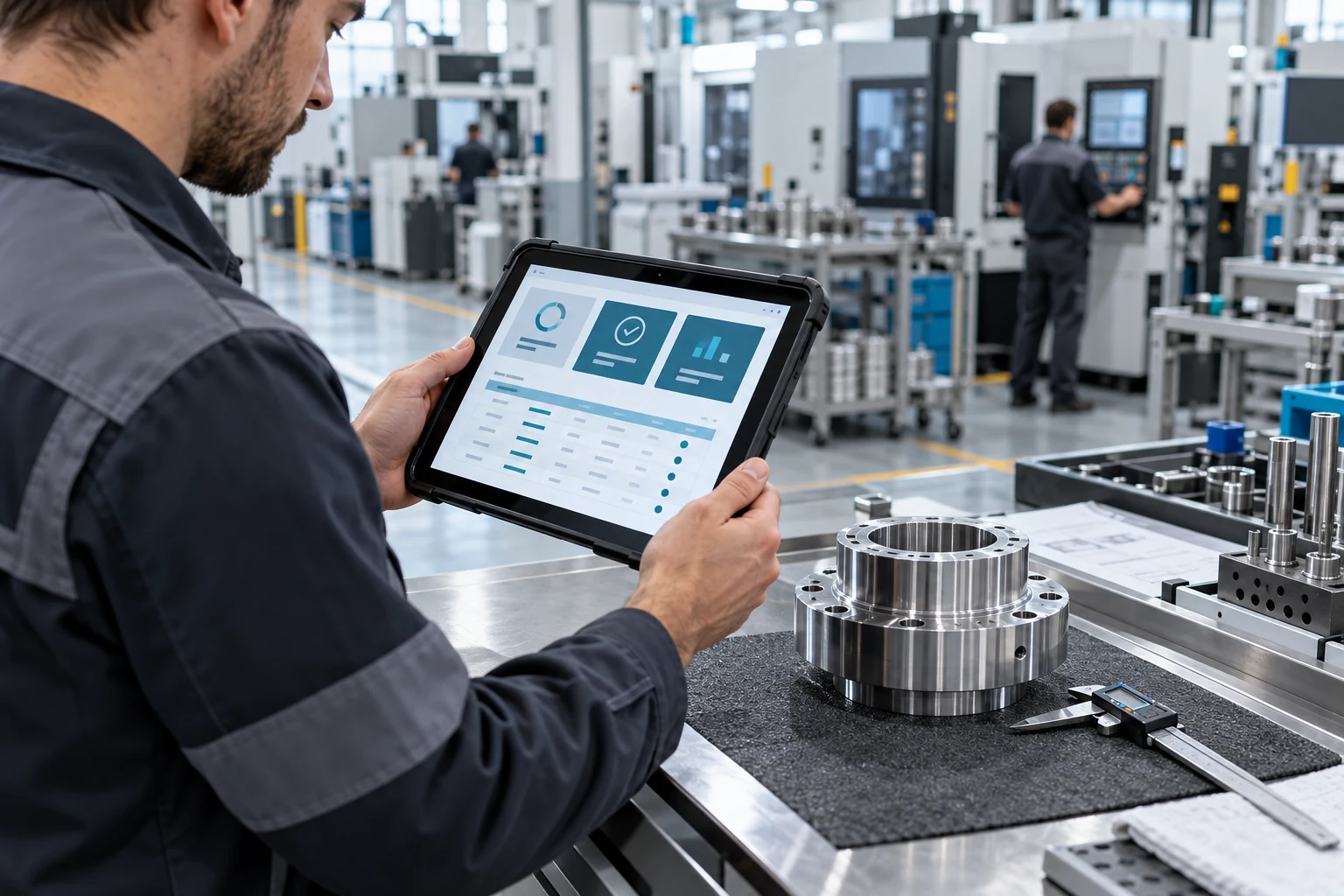
MANUFACTURING · QUALITY · RECORDSPhysical work, digital traceability
IMPLEMENTATION APPROACH
Five controlled steps
from discovery to go-live.
The schedule and scope are documented after discovery; transition takes place with verified data and processes.
- 01
Discovery
We examine your operations with your own data and demonstrate the configured structure live.
- 02
Implementation
We define modules, permissions, business rules and approval flows, then migrate data.
- 03
Parallel operation
The previous method and Entrobot Operasyon run together while balances and process outcomes are compared.
- 04
Go-live
We plan the transition day together and move verified operations onto Entrobot Operasyon.
- 05
Guided support
Post-launch support is provided for the scope and duration documented in the agreement.
LET’S ASSESS YOUR OPERATIONS TOGETHER
Let’s identify which modules fit your operation.
In a short meeting, we can discuss your current flow, repeated work and hidden waiting points.
Request an Entrobot Operasyon demoPRODUCT-SPECIFIC DEMO REQUEST
Let’s evaluate the product through your own process.
Your request reaches our team with the selected product and source page already identified. We review your needs and contact you to arrange the right session.
Demo productEntrobot Operasyon
- A session shaped around your needs
- Automatic routing to the right product team
- Clear scope and next steps